Grout Color Chart: How to Use One and Pick the Right Shade
A grout color chart is your starting point — not your ending point — when selecting grout for a tile project. The chip on the card doesn’t show you what custom grout colors look like at scale, what sanded grout colors look like after curing, or how a custom grout color chart sample performs under your specific room lighting. This guide walks through how to read and use a grout color chart effectively, how custom grout colors differ from standard options, how sanded grout colors compare to unsanded, and how to use a custom grout chart to get the result you actually want.
Get the color selection right before you start, because changing grout color after installation is either a re-grout job or a colorant application — both take more time than selecting correctly the first time.
How to Read a Grout Color Chart
What the Chart Shows and What It Doesn’t
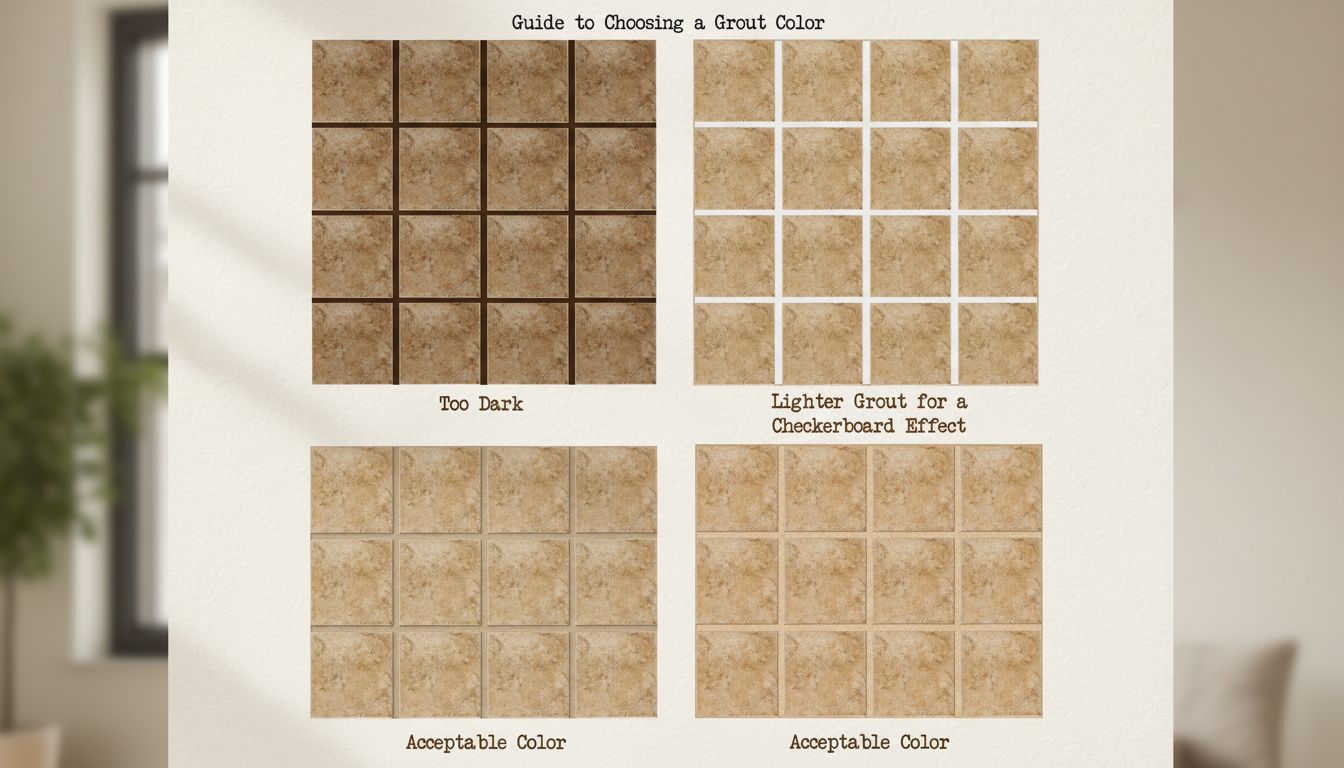
A grout color chart from manufacturers like Laticrete, Mapei, or Custom Building Products organizes colors by tone from light to dark. Each chip represents the cured, dry color under neutral lighting. The chart doesn’t show you how the color looks wet (darker), how it looks under your room’s specific light source (warmer or cooler), or how it looks across 200 square feet of grout lines rather than a 1-inch chip.
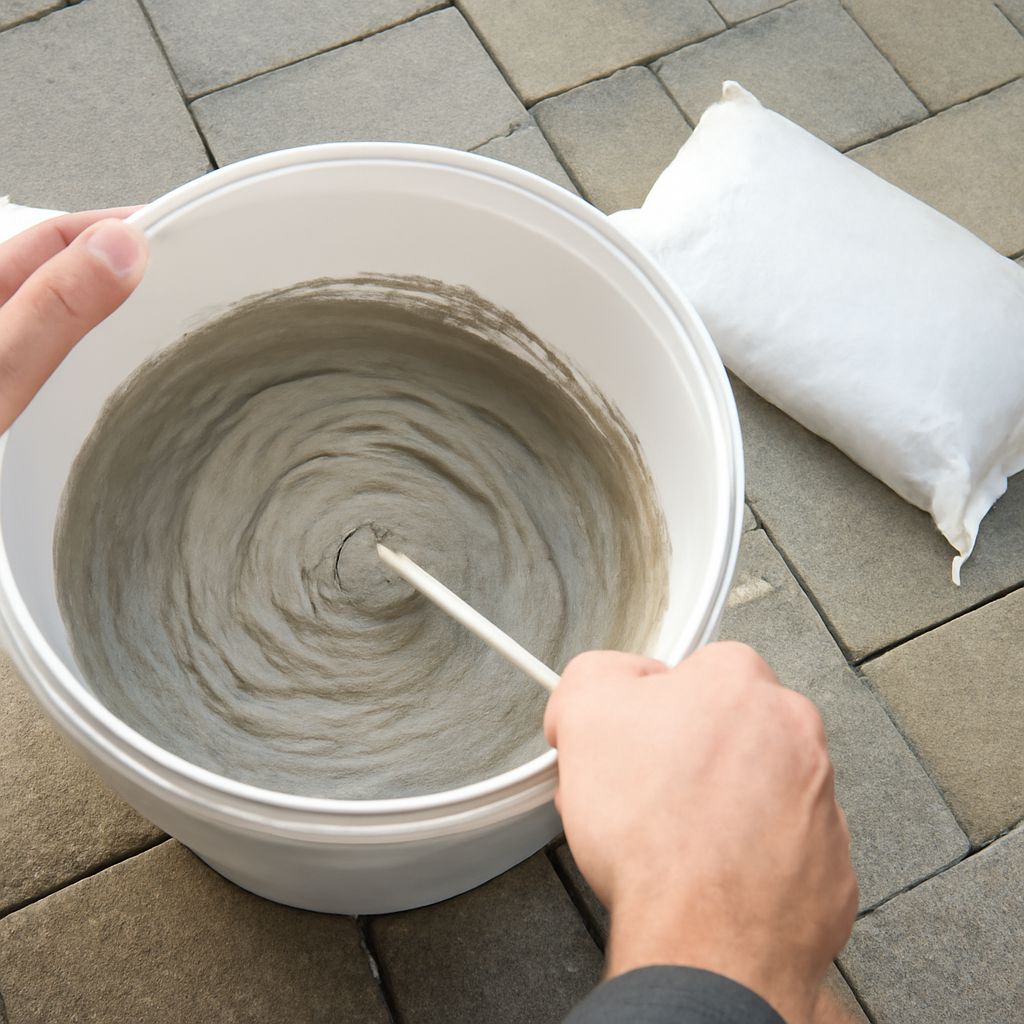
To get a useful preview from a custom grout color chart, always request full-bag samples of your top two or three choices. Mix a small amount and apply to scrap tile or an inconspicuous corner. Let it cure fully (24-72 hours depending on humidity) before evaluating. The wet-to-dry shift on lighter custom grout colors can be significant — what looks like a medium gray wet often dries two or three shades lighter.
Sanded vs. Unsanded: How Grout Color Chart Options Differ
Most manufacturers organize their custom grout chart into sanded and unsanded sections, with the same color names available in both formulations. Sanded grout contains fine aggregate that adds body and reduces shrinkage — it’s required for joints wider than 1/8 inch. Unsanded grout is smoother and used in narrower joints and on polished or delicate tile where the aggregate could cause scratching.
Sanded grout colors and unsanded versions of the same name aren’t always visually identical after curing. Sanded formulations sometimes cure slightly rougher in texture, which can make the color appear slightly different under raking light. If you’re matching existing grout, confirm whether the original was sanded or unsanded before selecting from the custom grout color chart.
Custom Grout Colors: What’s Available Beyond Standard
Standard Colors vs. Custom Grout Color Options
Standard grout color chart options from major brands typically run 40-60 colors — spanning whites, grays, tans, beiges, browns, and blacks. For most residential projects, the standard range is more than sufficient. A standard off-white, light gray, or medium tan covers the majority of bathroom and kitchen tile installations.
Custom grout colors go beyond the standard range. Some manufacturers offer extended color lines with 100+ options. Specialty suppliers offer custom tinting services where you can match a specific paint color or pantone reference to a grout formulation. Custom grout chart options from these suppliers are more expensive ($30-$60 per bag vs. $10-$20 for standard) and typically require ordering rather than buying off the shelf.
When Custom Grout Colors Make Sense
Custom grout color selection is worth pursuing when:
- You’re matching existing tile installation and no standard color is close enough
- You need a very specific design color that coordinates with a custom tile selection
- The grout line is wide (3/16 inch or more) and the grout color is visually prominent
- You’re working with colored or patterned tile where the grout is an intentional design element
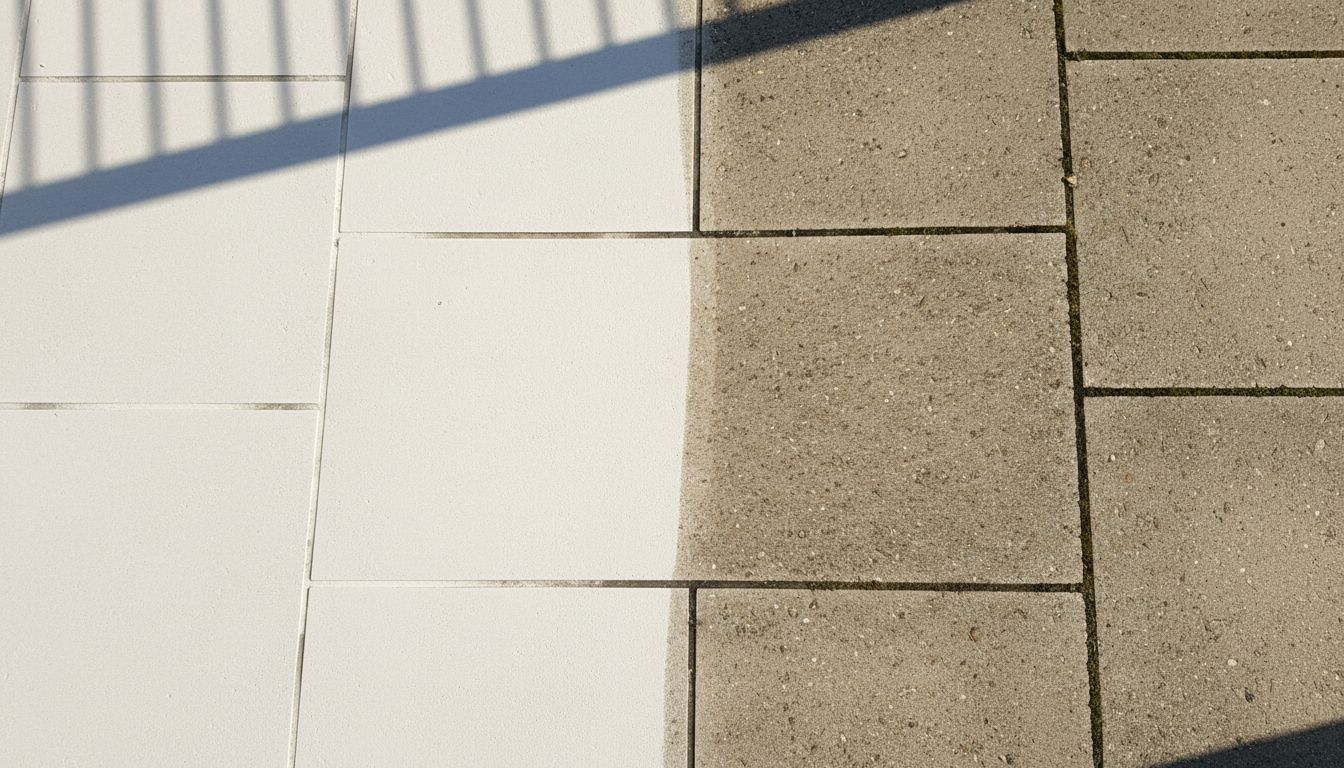
For situations where existing grout color has faded or stained beyond cleaning, grout colorant products are an alternative to full regrouting. Applied over existing grout after thorough cleaning, these products penetrate and restore or change the color without removal. Results last 3-7 years with proper preparation. If the grout is crumbling, cracked, or has failed structurally, colorant won’t help — consult a tile professional about regrouting before water damage spreads to the substrate.
Practical Tips for Using a Grout Color Chart
- Evaluate grout color chart samples in the room where the tile will be installed, not at the store
- Hold grout chips against the actual tile, not a photograph
- Test sanded grout colors with a mixed sample, not just a chip, before ordering in quantity
- For custom grout chart colors that need ordering, build lead time into your project schedule
- For large projects, order 10-15% extra of your chosen custom grout color to ensure consistent dye lot
Next steps: Narrow your grout color chart selection to two or three options, request sample bags, and mix test patches on scrap tile before committing. For custom grout colors beyond the standard range, contact specialty tile suppliers in your market — they can match colors or direct you to extended-palette options from major manufacturers.